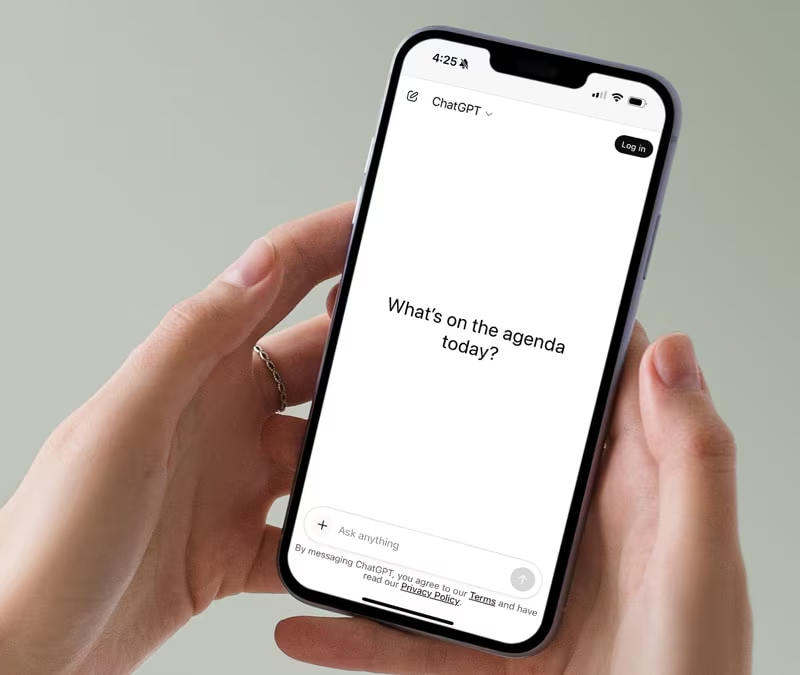
Back in May we talked about how AI Overviews were changing the way people search. A few months on, it’s not a future trend anymore — it’s just how search works now. Google’s AI Overviews trigger on roughly half of all searches. ChatGPT is fielding billions of queries. And a growing share of B2B buyers now say they consult generative AI somewhere in their buying journey before they ever pick up the phone.
So here’s the follow-up question that actually matters: when someone in the Waikato asks ChatGPT or Google’s AI for “the best [your service] near me,” does your business come up? Most owners have never checked. Here’s how to, for free, in about ten minutes.
Named vs Cited — They’re Not the Same Thing
Before you test anything, it helps to know what you’re looking for. There are two different things an AI answer can do with your business:
- Named — your business is mentioned in the words of the answer.
- Cited — your actual webpage is attached as a clickable source.
Being named is good. Being cited is better, because it’s the version that can actually send someone to your website. A lot of owners check the first and assume the second, and the gap between them is bigger than most expect — one recent study found only about 11% of domains get cited by both ChatGPT and Perplexity, and the platforms don’t cite at anywhere near the same rate as each other.
The 10-Minute Manual Test
- Ask the exact question a buyer would ask — not your business name. “Best [service] in [town]” or “who does [job] near me” — never search your own brand, because that only tests recognition, not discovery.
- Run it across ChatGPT, Perplexity, Copilot, and Google’s AI Overview. Each platform sources differently, so checking only one gives you a skewed picture.
- Record three things for each: were you named, were you cited, and who was mentioned instead of you.
- Repeat the same prompt 3–5 times. AI answers vary run to run, so one result isn’t a reliable signal — a handful gives you a real directional read.
Do this for your two or three most important services, and you’ll have a genuinely useful snapshot of where you stand by the end of your coffee break.
Two Free Dashboards Worth Checking Too
Beyond the manual test, two platforms now show you, for free, what their AI is already doing with your existing pages:
- Bing Webmaster Tools’ AI Performance report — a free public report showing intents, topics, and citation share for your verified site.
- Google Search Console’s SERP features filter — filter Organic Keywords by “AI Overview” to see which of your search queries are triggering an AI answer, and whether your page is the one showing up in it.
Both are free, both take minutes to check, and both tell you something a manual prompt test can’t: what’s already happening across real searches, not just the one you typed.
If You’re Not Showing Up — What Actually Helps
- Rank in traditional search first. Ranking well is necessary but not sufficient for AI citation — it’s the entry ticket, not the whole game.
- Answer the whole question, not one keyword. AI tools fan a query out into several sub-questions, so one page trying to cover everything usually loses to several focused pages.
- Date your content and show your sources. An “Updated July 2026” line and a cited claim outperforms an undated wall of text, particularly with Perplexity.
- Use structured data (schema markup). It won’t get you cited by itself, but it removes ambiguity about what your business is, where it operates, and what each page covers — which builds the confidence an AI model needs to reference you.
Why It’s Worth the Ten Minutes
Traffic arriving from AI search platforms tends to convert noticeably higher than traditional organic traffic — those visitors have often already done their research and decided you’re credible before they ever land on your site. Being invisible in that channel isn’t a small gap anymore; it’s a growing one, and it compounds the longer it’s left unchecked.
Want us to run the full AI visibility check for your business — across ChatGPT, Perplexity, and Google — and show you exactly where the gaps are? Get in touch with the Flick Media team.